1.1 How to start an analysis and which analysis type should I use ?
Get Started

On Drylab home page, you will find several option to start your research: Default Analysis, Advanced Analysis, Research. Which one you choose depends on what stage your research is in, how granularly you want to control and interact with the results, and what output you're looking for.
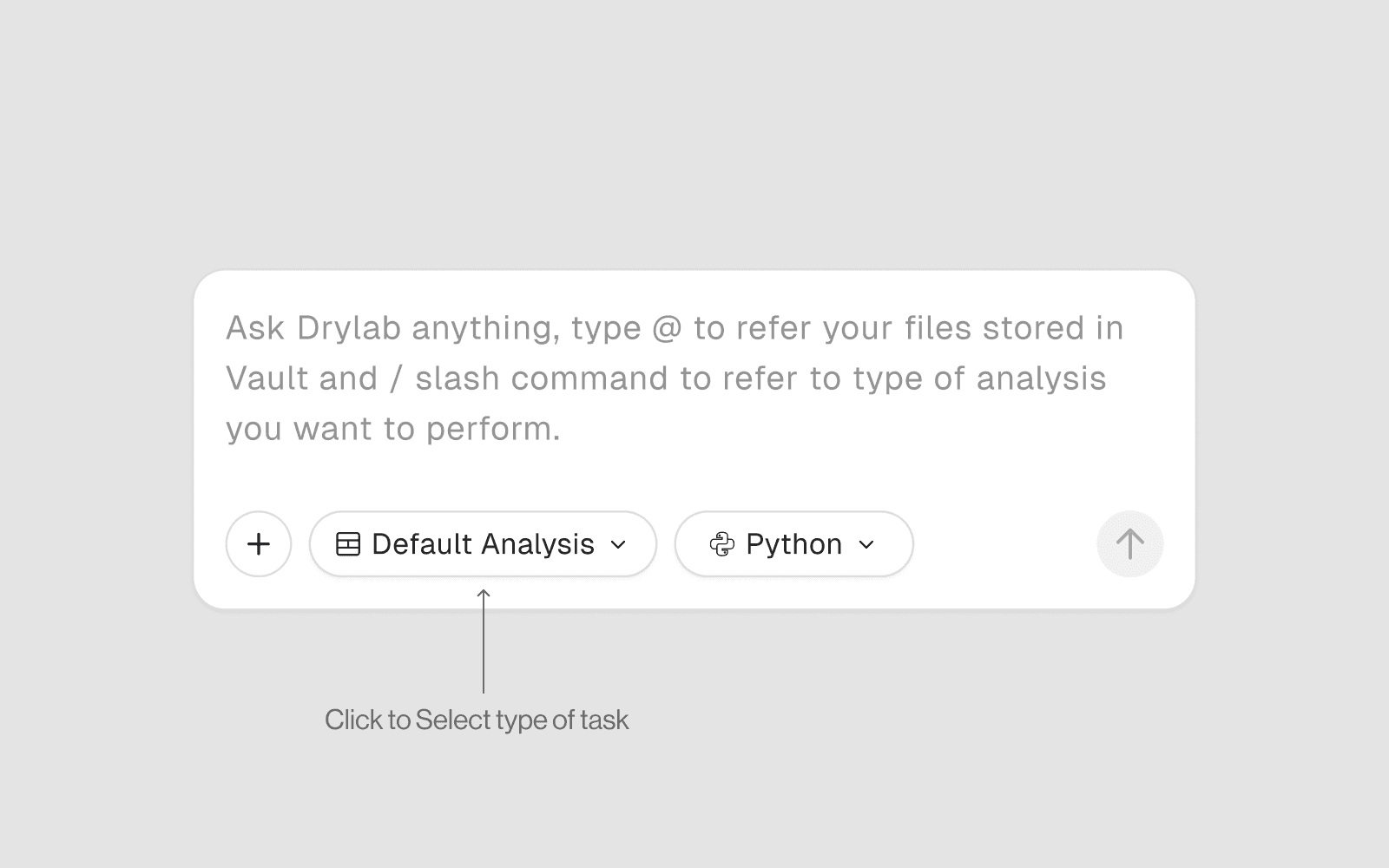
1. Default Analysis
Best for: Everyday coding tasks, quick data exploration, simple plots, and one-off questions.
What it does
Opens a standard notebook with a conversational AI assistant
You write prompts, the AI writes and runs code cell by cell
No automatic planning or multi-step orchestration
Straightforward request → response workflow
Use when you want to
Load and inspect a dataset quickly
Make a single plot or run a quick statistical test
Ask a simple bioinformatics question
Prototype code before committing to a full pipeline
Example prompts
Load my CSV and show summary statistics Plot a histogram of the expression column What is the difference between PCA and UMAP? Install scanpy and load my h5ad file
Skill level needed
Beginner-friendly. No prior bioinformatics experience required.
2. Advanced Analysis
Best for: Multi-step scientific analyses, full pipelines, large datasets, and complex workflows requiring tools and databases.
What it does
Full agentic AI — plans, executes, reviews, and iterates automatically
Proposes a structured step-by-step plan before executing
Calls databases, accelerated tools, and pipelines automatically
Handles errors, retries, and adapts based on intermediate results
Produces publication-quality figures and reproducible notebooks
Use when you want to
Run a complete single-cell RNA-seq analysis end to end
Perform differential expression with GO enrichment and visualization
Dock multiple drug compounds against a protein target
Build a machine learning model on biological data
Run an nf-core pipeline on raw sequencing data
Example prompts
Run a full scRNA-seq analysis on my h5ad file including QC, clustering, annotation, and differential expression between conditions
Predict the structure of 5 protein sequences using Chai-1 and compare their binding pockets
Run nf-core-rnaseq on my samplesheet and perform downstream differential expression analysis
Skill level needed
Intermediate to advanced. You should understand your biological question clearly — the AI handles the technical execution.
3. Research
Best for: Literature review, hypothesis generation, summarizing papers, and exploring the scientific landscape before doing any computation.
What it does
Searches PubMed, preprint servers, and biological databases
Summarizes papers, extracts key findings, and identifies research gaps
Connects findings across multiple sources
Helps formulate hypotheses and experimental designs
Can parse uploaded PDFs and DOIs directly
Use when you want to
Understand the current state of a research field
Summarize a paper or compare multiple papers
Find relevant datasets or tools for a biological question
Generate hypotheses before running experiments
Get a literature-backed explanation of a gene, pathway, or disease
Example prompts
" Summarize the latest research on KRAS G12D inhibitors in pancreatic cancer What are the key papers on spatial transcriptomics methods published in 2023-2024? Find datasets on GEO related to Alzheimer's single-cell RNA-seq What is the biological role of FOXP3 in regulatory T cells? "
Skill level needed
Beginner-friendly. No coding required.
Which One Should You Start With?
Your Situation | Recommended Mode |
|---|---|
New to Drylab or bioinformatics | Default Analysis |
Have a dataset and want to explore it quickly | Default Analysis |
Have a clear biological question and want a full pipeline | Advanced Analysis |
Need to run tools like protein folding or docking | Advanced Analysis |
Want to understand a topic before analyzing data | Research |
Need to review papers or find datasets | Research |
Experienced user with complex multi-step workflow | Advanced Analysis |