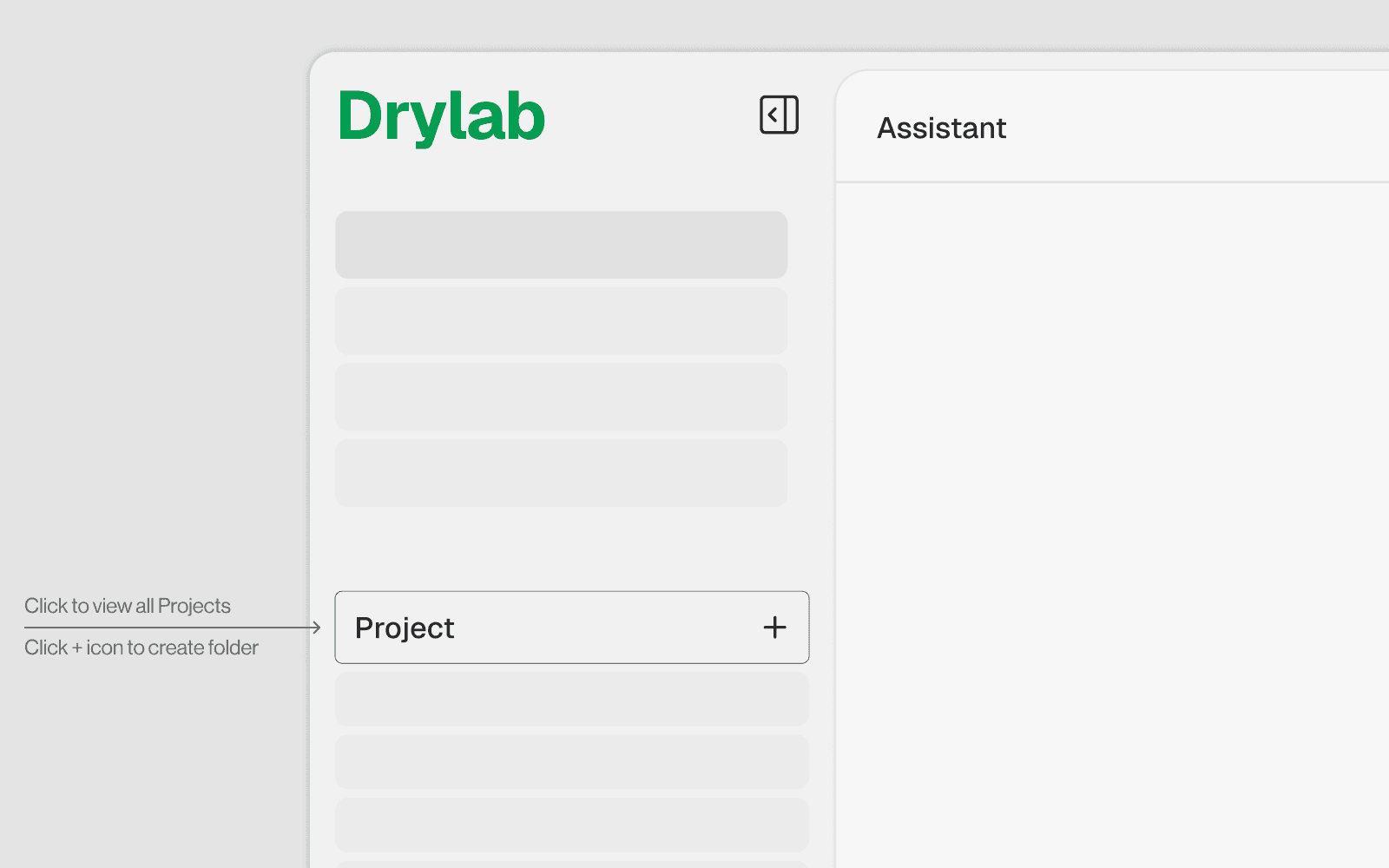
1.3 What is a Project in Drylab?
Get Started

A Project is a named workspace that groups related analyses, files, and notebooks together. Think of it as a folder for a research topic, experiment, or study — everything belonging to that work lives under one roof.
Why Create a Project?
1. Persistent File Organization
All files saved during analyses under a project are stored together in the Vault: /home/user/user_data/[Project Name]/[Analysis Name]/ Without a project, files have no structured home and are harder to find later.
2. Cross-Session Continuity
Files and notebooks inside a project persist across sessions. You can close Drylab, come back days later, and continue exactly where you left off.
3. Context Awareness
When you start a new analysis inside a project, the AI automatically has context about:
Previous analyses done in the same project
Files already uploaded or generated
Which conversation history is relevant
4. Collaboration and Sharing
Projects form the boundary for sharing work with teammates. You share at the project level — all analyses, files, and notebooks inside are included.
5. Resource References with @
The @ file protocol used in pipelines and tools is tied to project names: Without a named project, this protocol cannot resolve file paths correctly for pipeline and tool submissions.
What Happens If You Analyze Without Creating a Project?
If you run an analysis without a project (or use the Default Project):
Consequence | Detail |
|---|---|
Files still saved | They go into the default Vault location |
Harder to find later | No named folder structure — everything is in one flat space |
No cross-analysis context | The AI has no project history to reference |
| Must use |
Collaboration harder | Cannot cleanly share a specific study |
History mixed together | All unrelated analyses appear in one history list |
You can still do useful work without a project — but it becomes increasingly disorganized as you do more analyses.
The Default Project
If you start an analysis without creating a project, Drylab places it in a built-in Default Project: /Vault/Default Project/
This is fine for:
Quick one-off explorations
Testing tools or databases
Beginner tutorials
Not ideal for:
Multi-session research studies
Team collaboration
Production pipelines with structured inputs/outputs
When Should You Create a Project?
Situation | Create a Project? |
|---|---|
Quick one-off question or test | No — Default Project is fine |
Ongoing research study | Yes |
Multi-step pipeline with real data | Yes |
Work you will share with a team | Yes |
Analysis you will return to later | Yes |
Tutorial or learning exercise | Optional |
How to Create a Project
Click New Project in the left sidebar or home screen
Give it a descriptive name (e.g.
KRAS Drug Discovery,Lung Cancer scRNA-seq)All subsequent analyses you create will be saved under this project
Files, notebooks, and history are automatically organized within it