1.5 Chat History
Get Started

History is a record of every analysis session you have run — organized by project. Each entry includes the conversation, the notebook, all outputs, and the files generated during that session.
Accessing History
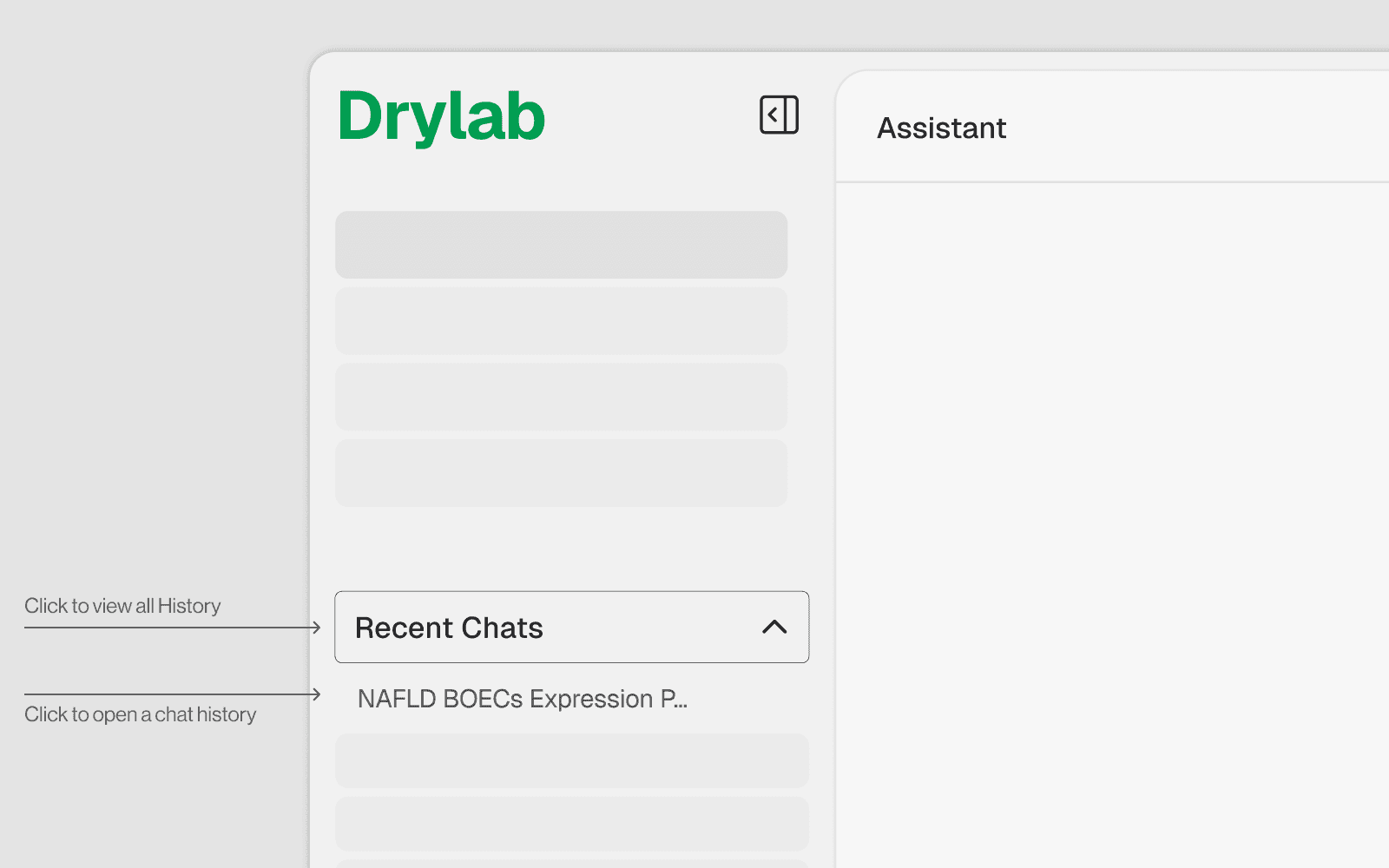
Look at the left sidebar in Drylab
Recent chat are shown directly on the side bar
Click any card to reopen that session
Reopening a Past Session
Click the chat session in Recent Chats tab
The notebook loads with all prior cell outputs preserved
The chat history is restored — you can see all prior prompts and responses
You can immediately continue by typing a new prompt
The AI has full context of what was done previously