1.9 How to mention a file ?
Get Started

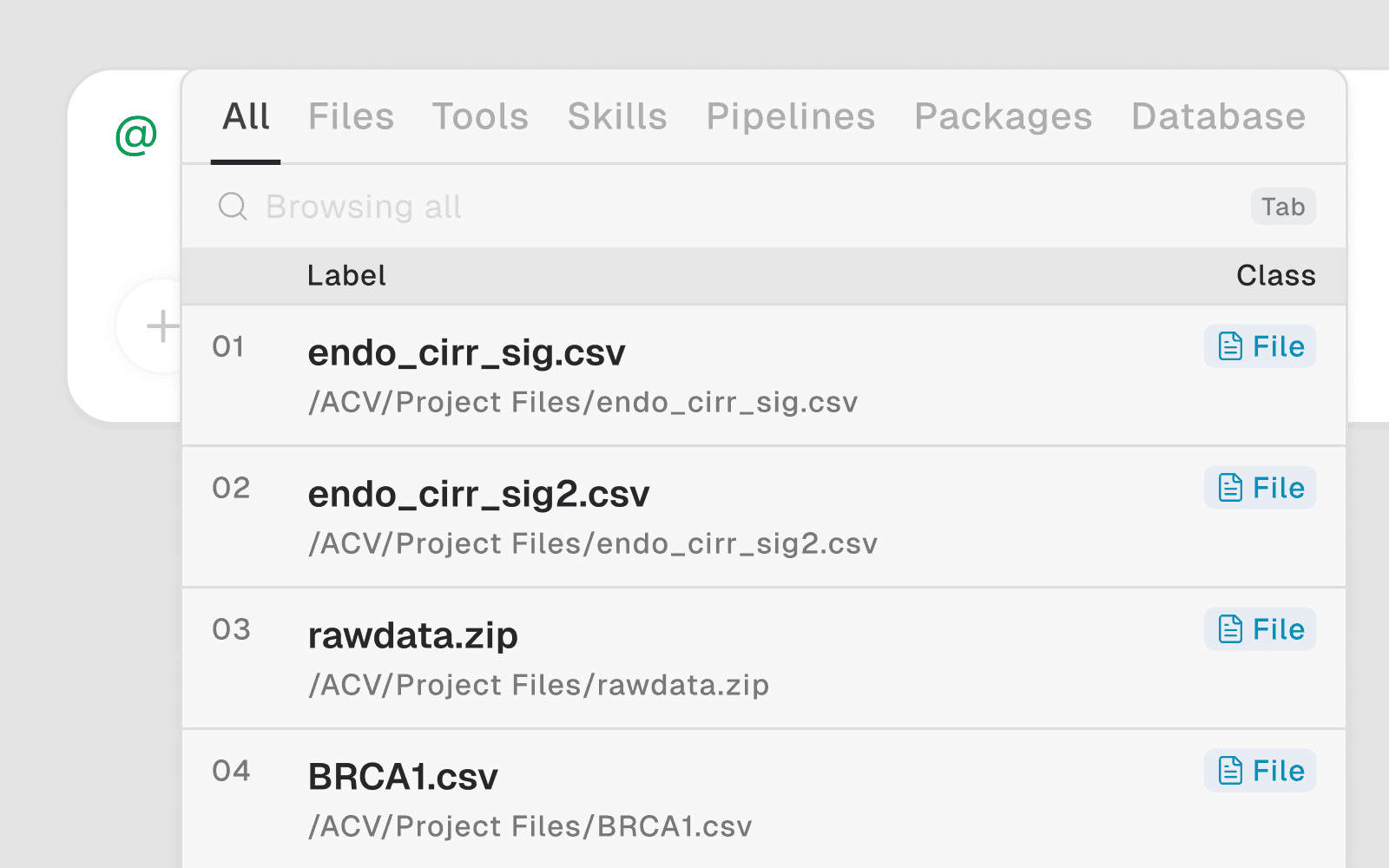
How to Trigger the @ Pop-up
In the chat input bar, type
@A file picker pop-up appears immediately
Start typing a filename to filter the list in real time
Click or press Enter to select the file
Usage Examples
Reference a data file: expression_matrix.csv load this and show column names and shape
Ask about a figure: figure1.png what does this plot show and are there any issues?
Continue from a previous script: analysis.py add a step to normalize the data after line 12
Summarize a paper: paper.pdf summarize the methods and list the key findings
Inspect the notebook: note.ipynb what analysis has been done so far in this session?
Filtering in the Pop-up
As you type after
@, the list filters by filename:
expr | → |
|
|---|---|---|
note | → |
|
fig | → |
|
You can type partial names — the search matches anywhere in the filename, not just the start.
Key Rules
Files must be uploaded or already in your workspace to appear in the
@pop-upFiles in
/home/user/(outsideuser_data/) only appear within the current sessionFiles in
/home/user/user_data/appear across all sessions in that projectYou can mention multiple files in one prompt:
@metadata.csv and @counts.csv — merge these on the sample_id column