1.4 How to upload a File ?
Get Started

Via Chatbox (Attachment)
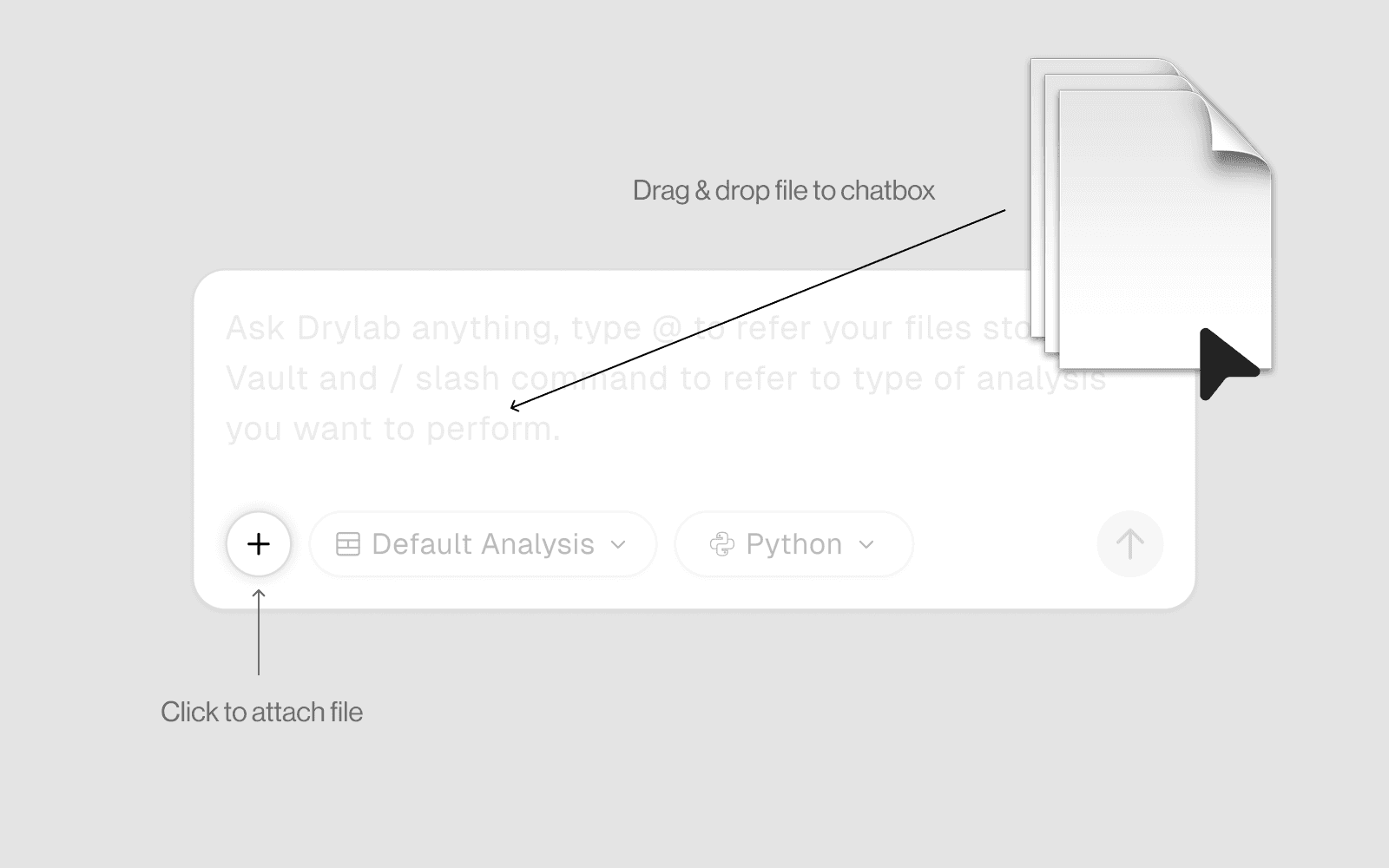
Click the attachment icon in the chat input bar and select your file or you can drag and drop file to chat box
The AI receives the file and automatically places it in your workspace
You can then refer to it immediately in the same message
Using Vault
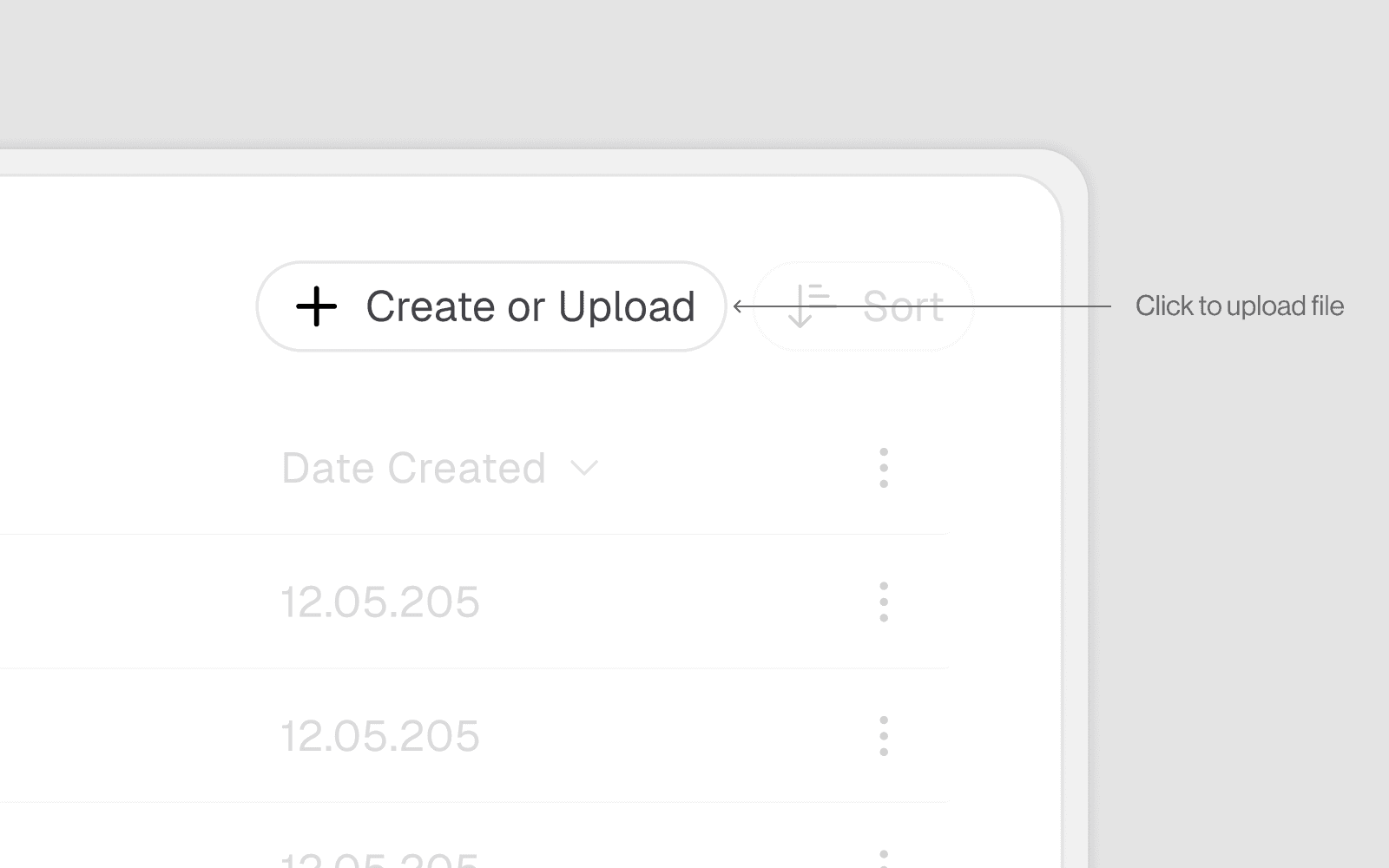
Open the Vault panel on the left sidebar
Click the Upload button (arrow-up icon) and select your file from your local machine or you can drag and drop file to the panle
The file is uploaded to your Vaults