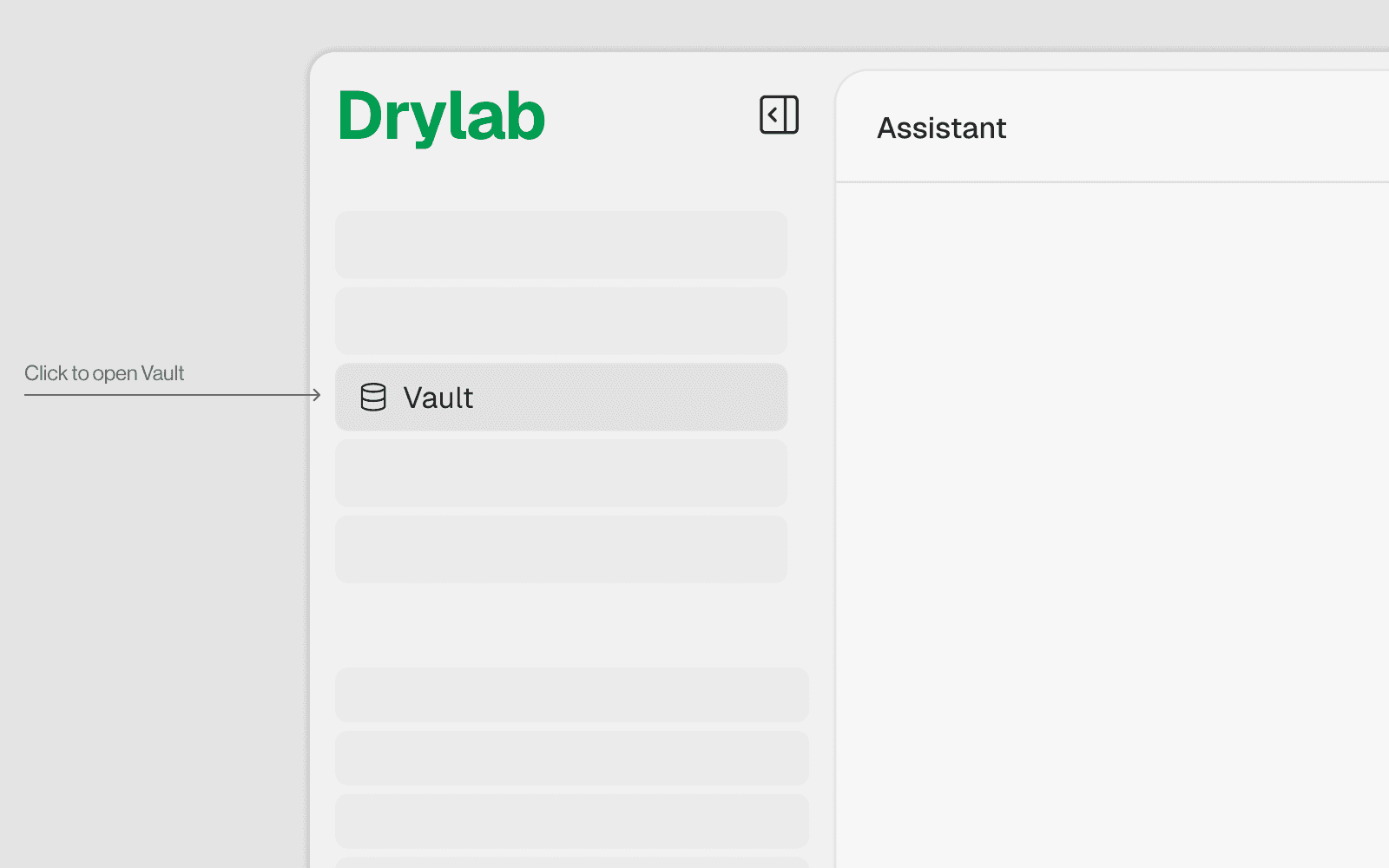
3. What is Vaults ?
Vault

Vault in Drylab refers to the persistent cloud storage mounted at /home/user/user_data. It is a cloud bucket that persists across sessions, unlike the temporary /home/user disk which is wiped when a session ends.
Accessing the Vault in the UI
Open the File Browser panel
Navigate to
user_data/— this is your Vault rootFrom here you can:
Browse folders and files visually
Upload files by dragging or using the upload button
Download files by right-clicking and selecting Download
Rename / Delete files via right-click context menu
Create folders using the new folder button