3.2 How to Find and Open a File in the Vault ?
Vault

Browse the File Browser
Open the File Browser panel in the left sidebar
Navigate to
user_data/— your Vault rootClick through folders to find your file
Single-click to select, double-click to open
Search by Name
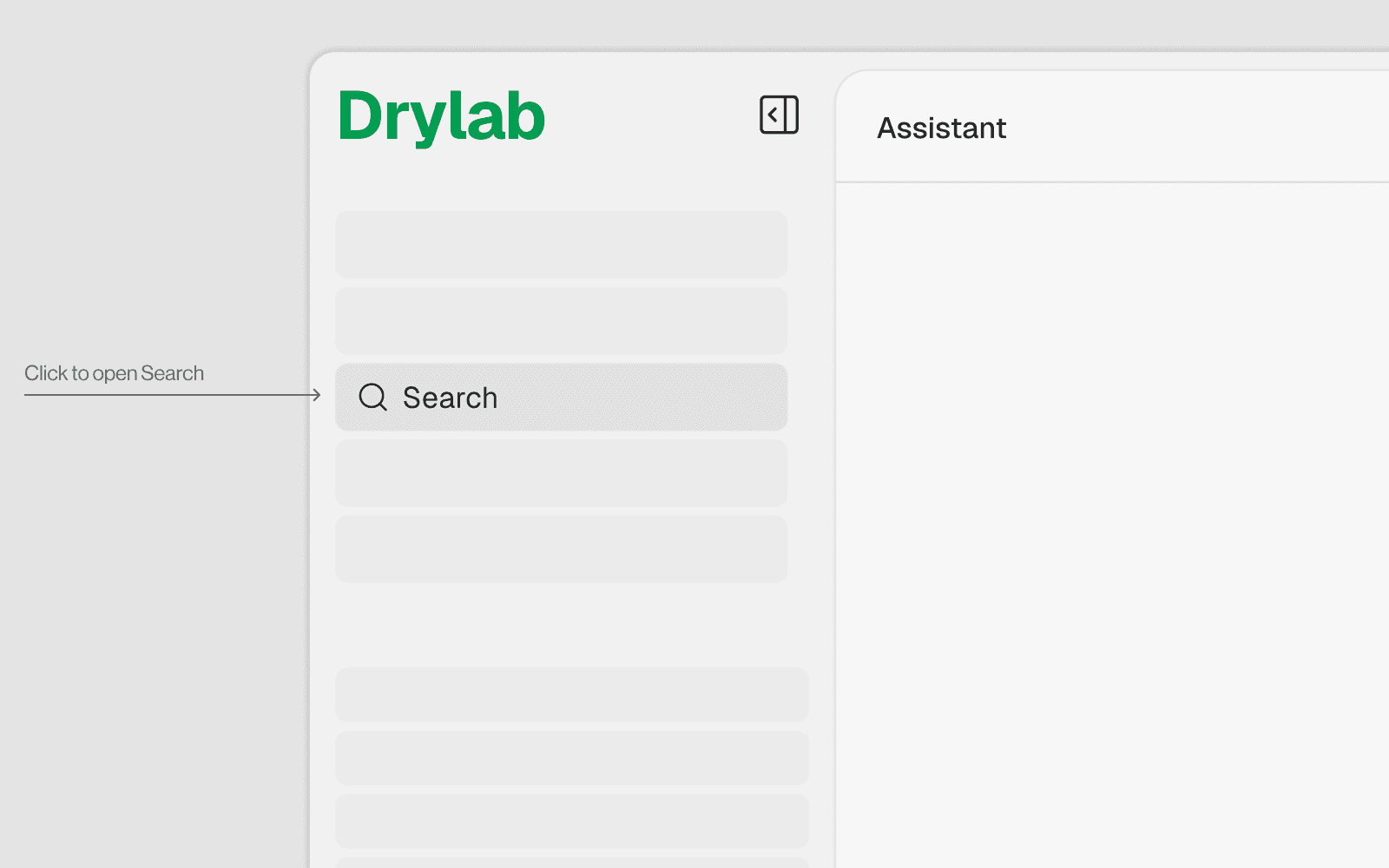
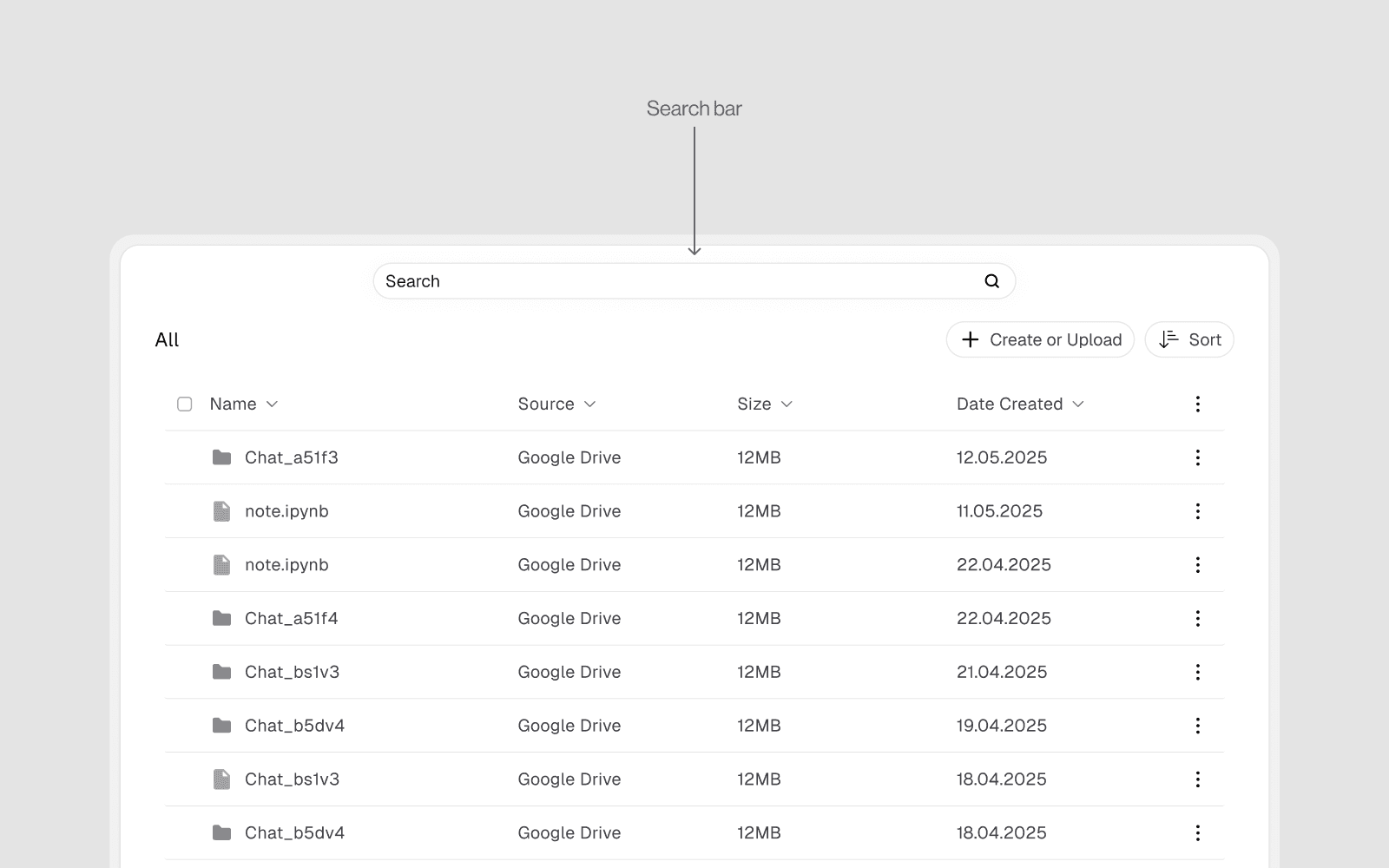
Click the Search / magnifying glass icon at the top of the file browser or using the search function on the side bar
Type the filename or partial name
Results appear filtered in real time across all Vault folders
Click the result to navigate directly to it