1.10 How to download
Get Started

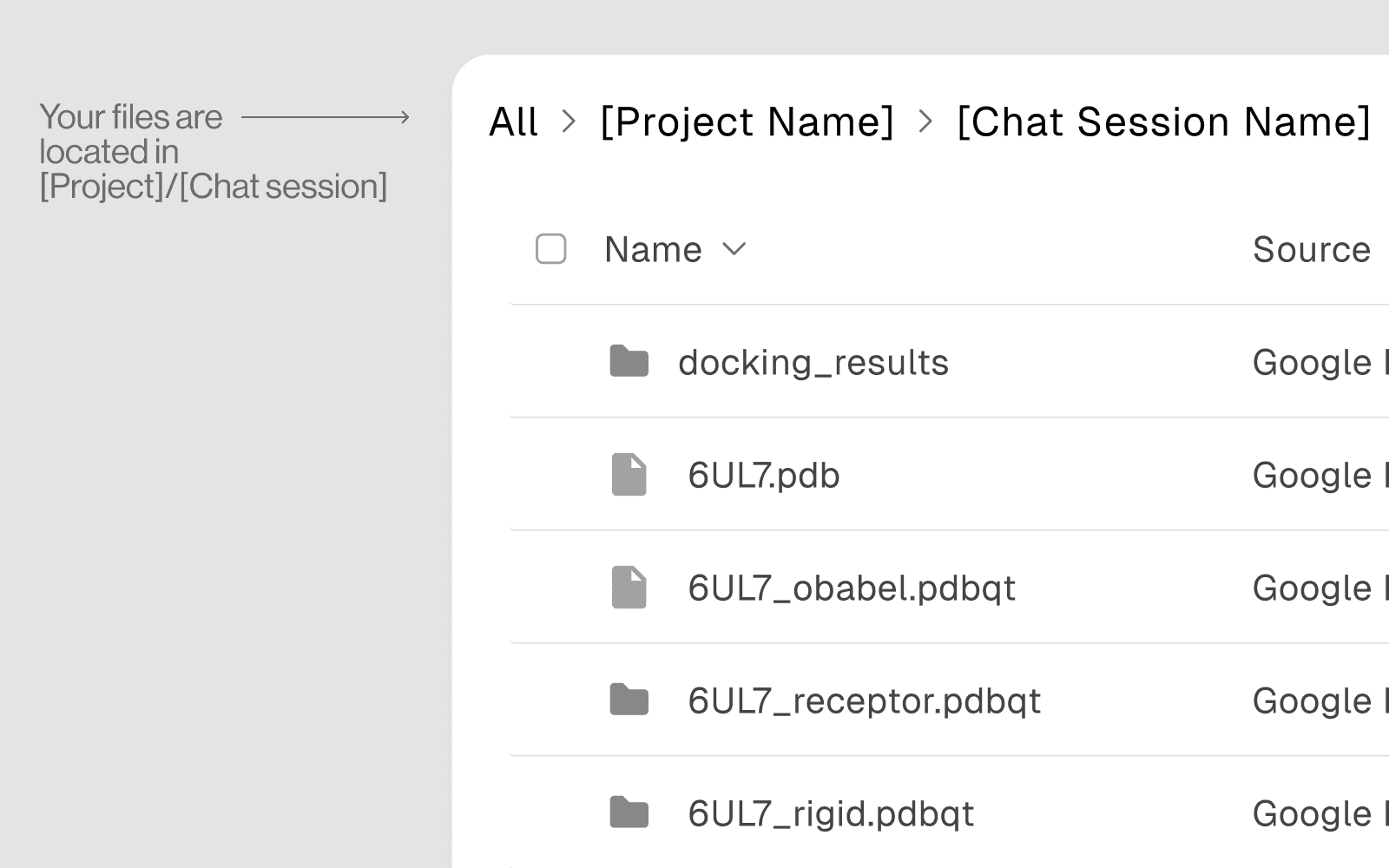
How Files Are Organized After an Analysis
Every analysis session automatically creates a structured folder in the Vault:
Download Filer in Vaults
Open the File Browser panel in the left sidebar
Navigate to
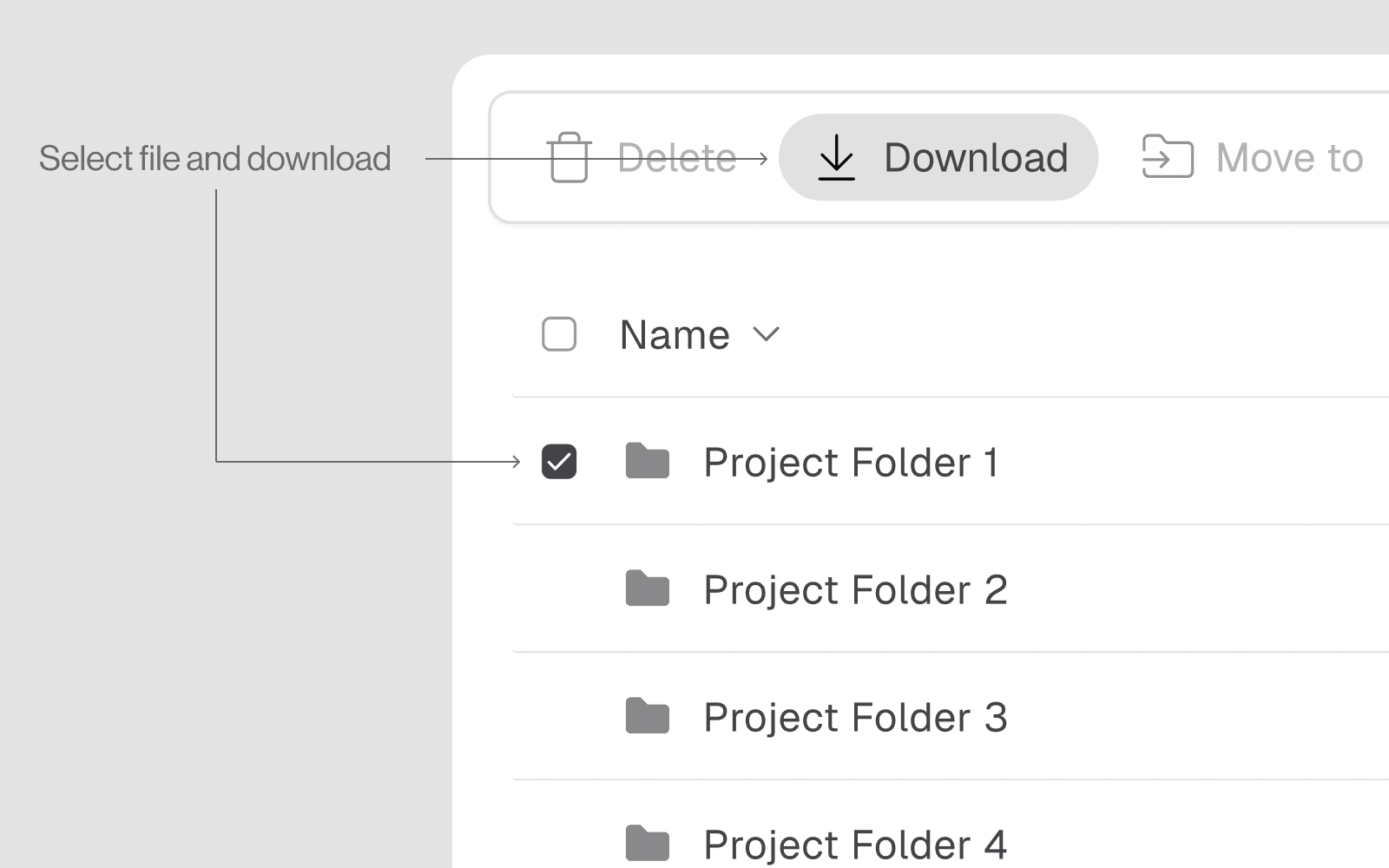
user_data/→ your project →History/→ analysis nameSelect file and hit the download button
Download Files in Directory
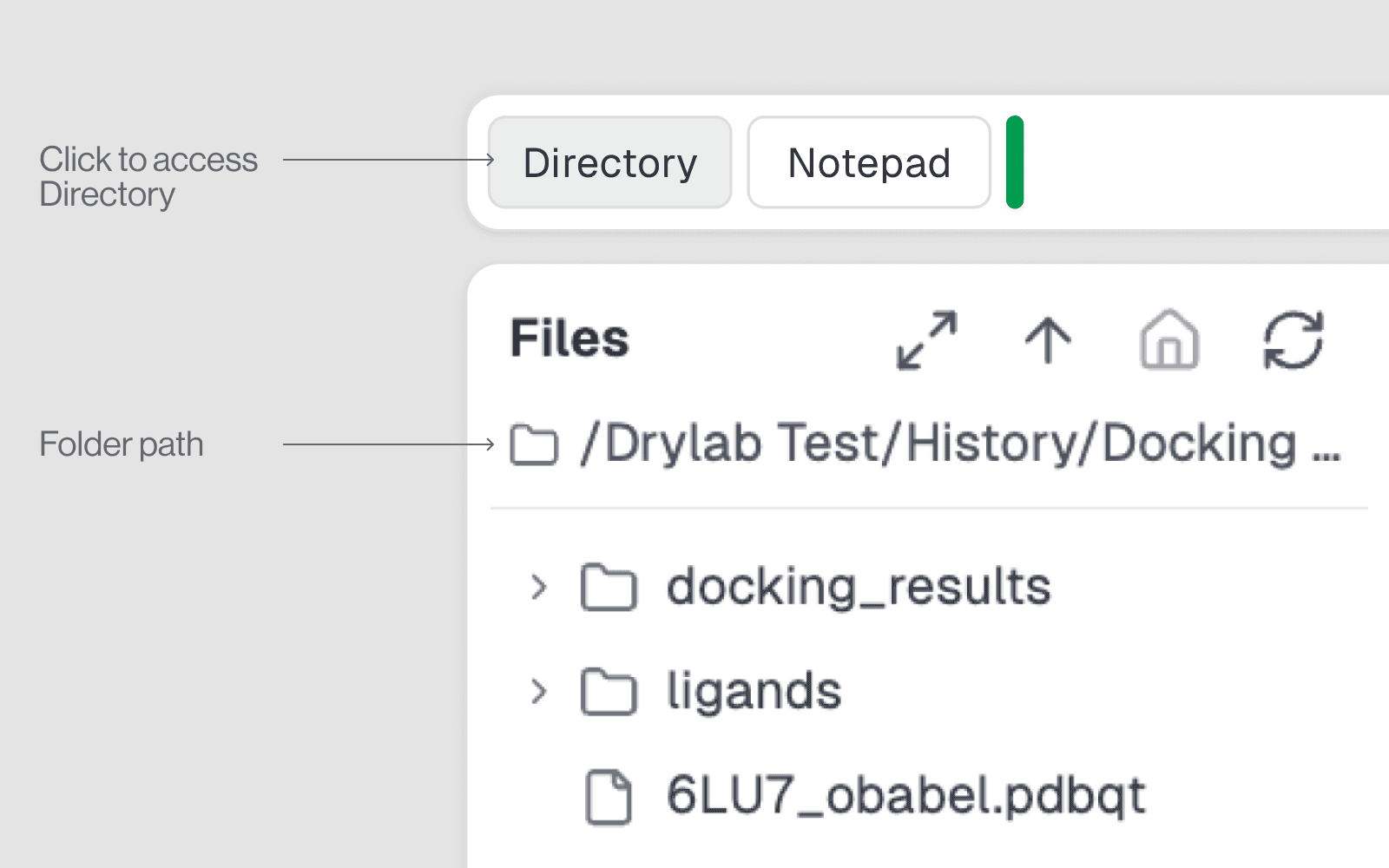
Open the Notebook by clicking the Notebook button in the top-right corner.
Open Directory tab.
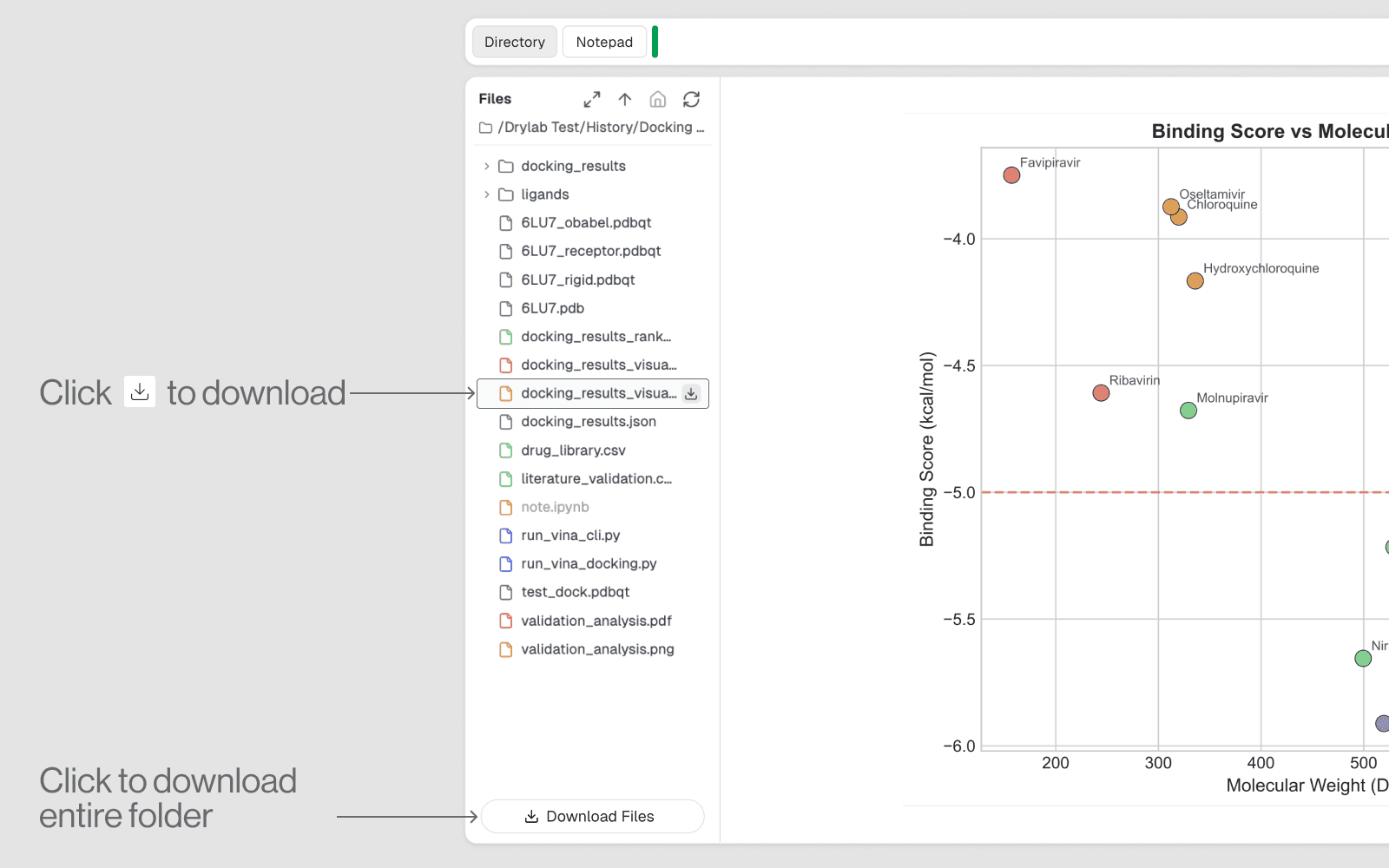
Hover over the file you want to download and click the Download button.
Click Download Files to download all files associated with the current chat session.