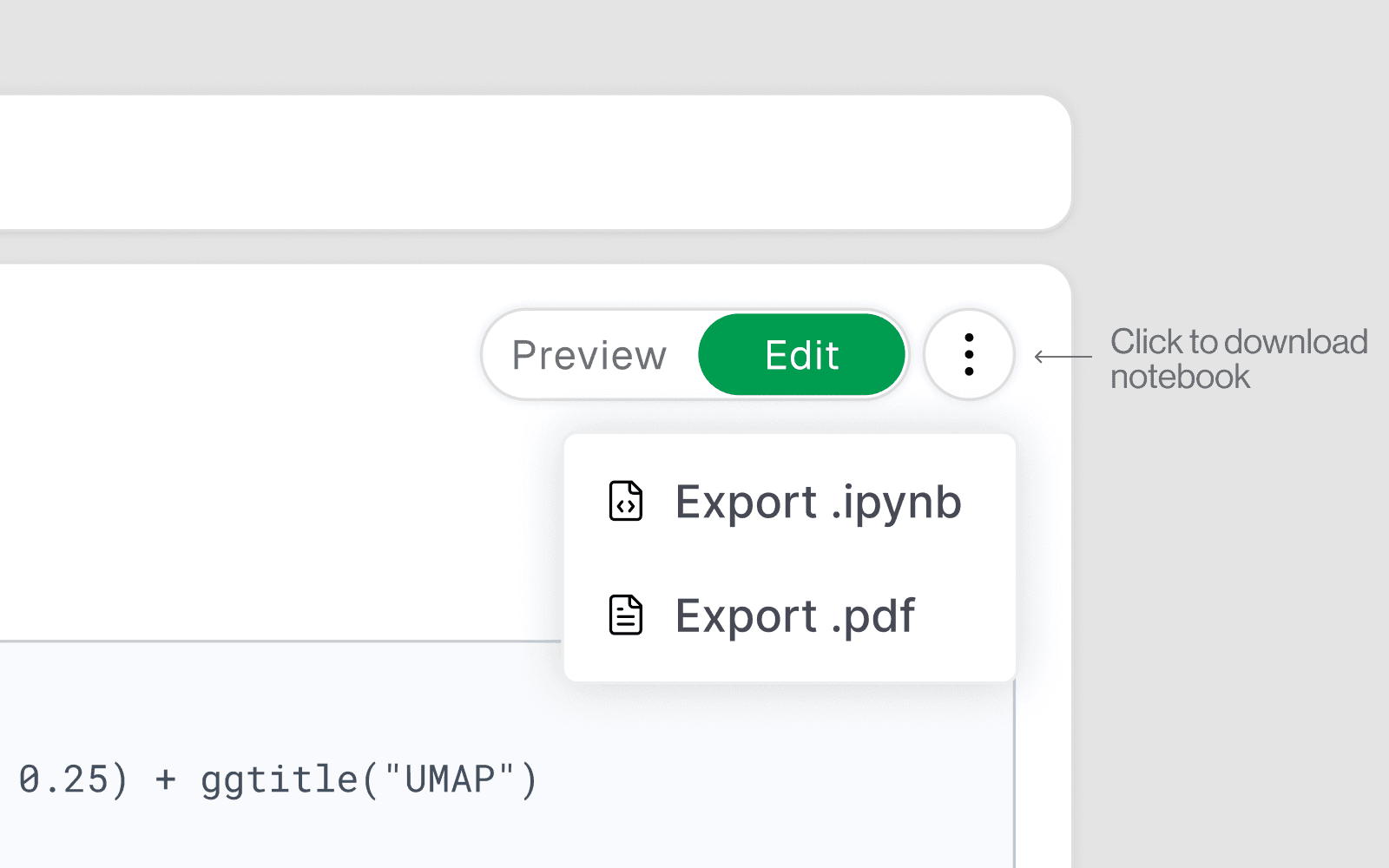
2.4 How to export Notebook ?

Notebook

Header image for “2.4 How to export Notebook ?”
No headings found on page
  1. Open the notebook in Edit or Preview mode

  2. Click File in the top menu bar

  3. Select Download as or Export as

  4. Choose your desired format.

Download notebook

Format

Best For

.ipynb

Sharing with other Jupyter users, re-running analysis

.pdf

Reports, presentations, sharing with non-technical stakeholders

Related Tutorial
Close-up of green plant leaves with wavy edges

Build the intelligence your next experiment will depend on.

Close-up of green plant leaves with wavy edges

Build the intelligence your next experiment will depend on.

Close-up of green plant leaves with wavy edges

Science is ready for a leap forward. Join us and make it happen.